Turn OpenClaw into a desktop AI workbench you can use every day
Full OpenClaw runtime, native Console UI included.
Gateway, CLI, chat, config, skills, terminal, and logs in one app. Capabilities track OpenClaw; Desktop ships install, UI, and updates.
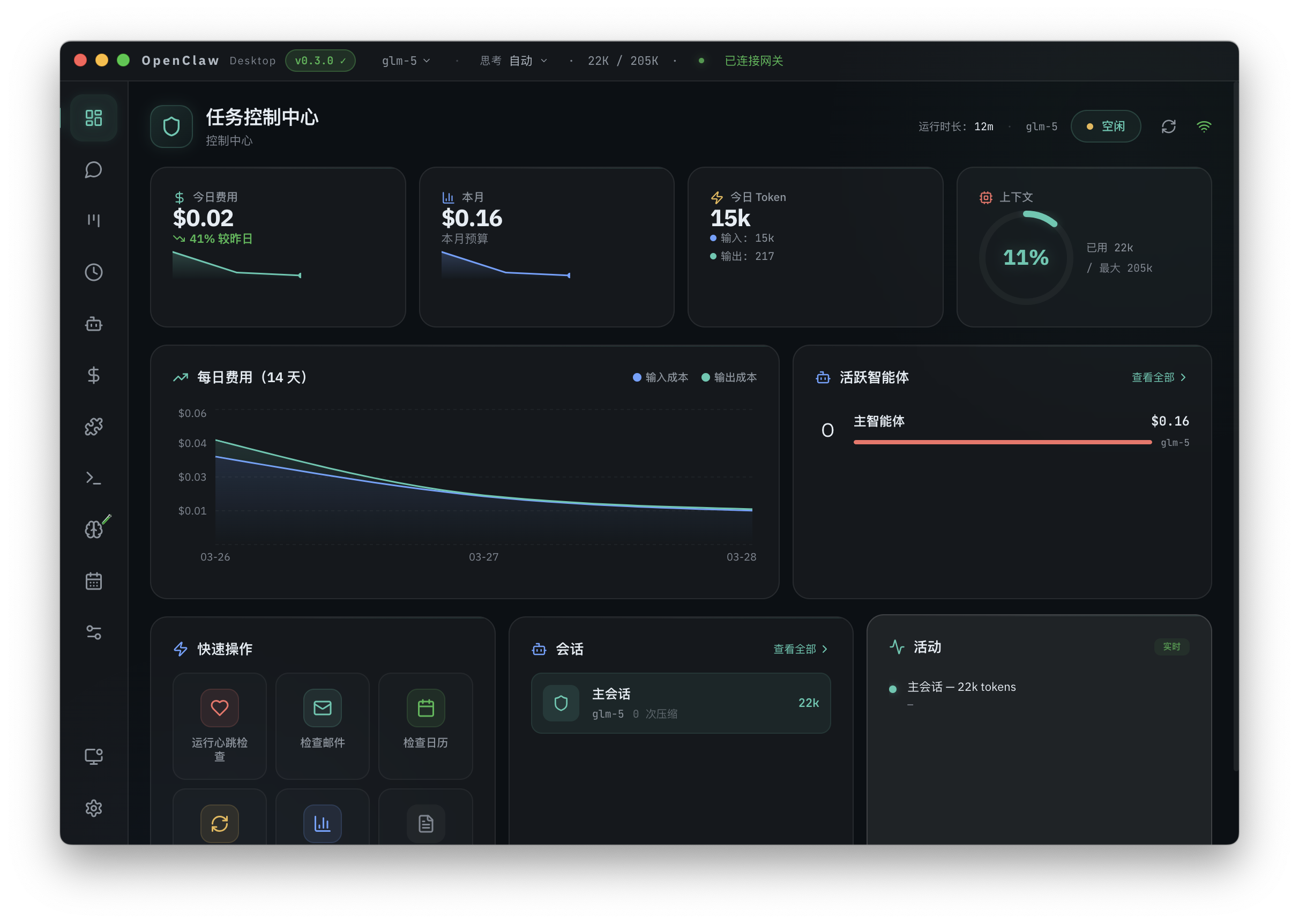
Product
The desktop workbench for OpenClaw
Ships full OpenClaw as an installable, configurable desktop app: unified navigation for chat, configuration, and ops, plus native Console and a built-in terminal.
One-click install
macOS and Windows installers with bundled Gateway and runtime. No separate Node or global CLI setup.
Ready after setup
Finish onboarding and work in the bench: chat, configure, and troubleshoot. Native Console and built-in openclaw terminal anytime.
China-ready
China-region providers and SkillHub paths tuned in-product. Feishu-style channels with form-based setup; smoother downloads and skill installs.
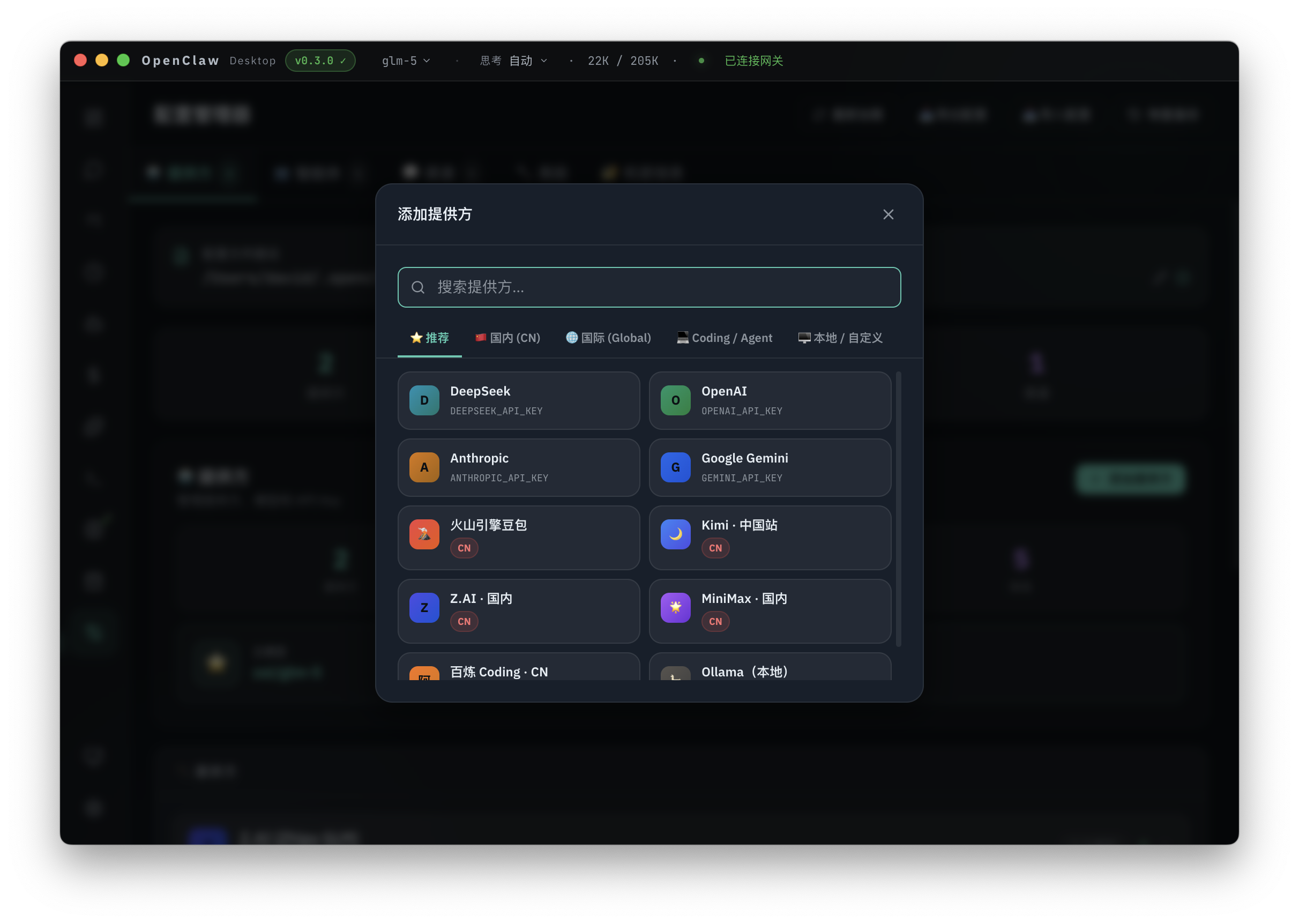
China-region model providers
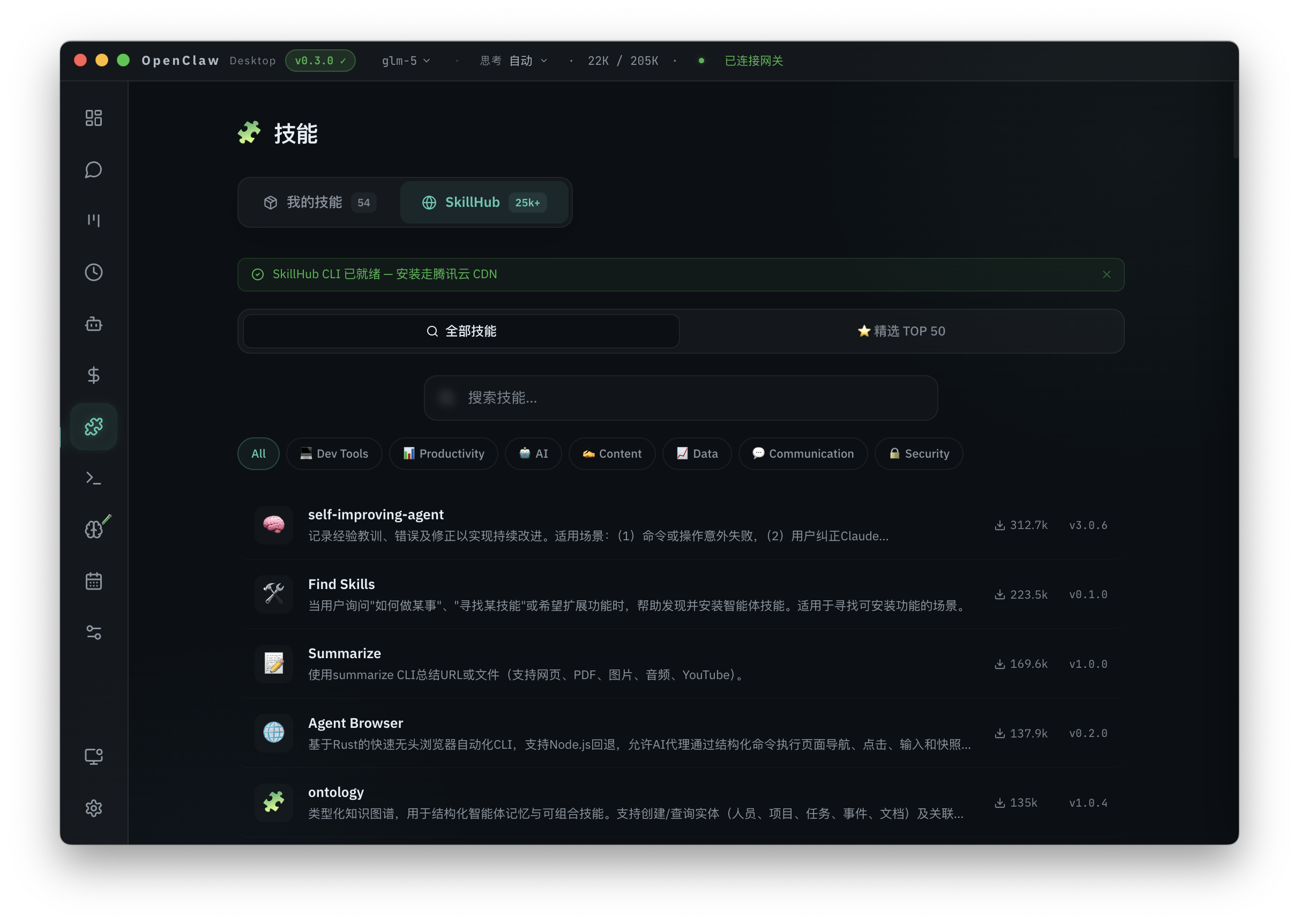
China SkillHub marketplace
Get
Download OpenClaw Desktop
macOS and Windows. One-click install with a bundled runtime. No separate Node setup.
v0.3.0 · Same installers for consistent team rollouts and updates
Flow
Get started
Install, onboarding, daily use, and recovery in one place.
Pick your platform. Bundled runtime, no separate Node or global CLI.
Wire models and channels via forms and templates first.
Chat, status, skills, logs. Run openclaw in the terminal. Open native Console anytime.
Features
Capabilities
Invoke, configure, extend, and observe in one closed loop.
Gateway and OpenClaw bundled. Single desktop shell, no manual environment assembly.
Upstream console retained. Desktop augments delivery, not the Gateway UI.
Provider groupings, Feishu-style form setup, skills and downloads tuned for reachability.
SkillHub, ClawHub, local import. Repeatable installs.
Tabs, AgentHub, session manager. Parallel work visible and switchable.
Dashboard, logs, offline states, error surfaces. Auto-updates and version alignment.
Audience
Use cases
Guided UI plus CLI, Console, and logs.
Less time on Node, PATH, and scattered entry points before you are productive.
Desktop UX with Console, in-app CLI, logs, and low-level status.
One installer and version line. GitHub Releases plus in-app updates.
Domestic providers, Feishu-style channels, reachable skill sources, not translation-only.
Compare
OpenClaw alone vs Desktop
Same capability base. Desktop strengthens delivery and day-two ops.
- ·Full platform flexibility
- ·You own runtime and startup
- ·CLI, config, and web UI split
- ·Unified desktop shell
- ·Productized config, skills, diagnostics
- ·China reachability and team installers
- ·Clear status, logs, updates, recovery
Support
FAQ
API key required?
Provider-dependent. Templates and inline hints reduce key and base URL mistakes.
Data upload?
Local Gateway by default. Third-party models and channels follow their policies. See OpenClaw and provider docs.
Channels?
Same as OpenClaw (WhatsApp, Telegram, Discord, Slack, etc.). Feishu and similar get form-based setup. More as upstream ships.
Replace OpenClaw?
No. Productized delivery layer on the same stack. Console and CLI stay available.
OpenClaw docs
openclaw.ai for official docs and community. Desktop covers install, updates, and companion UI.